
File listing & batch renaming
ListAndRename
Organize file names and turn folder contents into a useful list.
- Drag and drop files to create a list
- Filter by file name or type
- Save file lists to Excel or CSV
- Rename files in bulk using custom lists

Windows tools. Everyday wins.
A folder full of files. A name that needs changing. Something you copied yesterday. Gotush helps you get back to what matters.
Your everyday toolkit

Built for Windows 10 & 11
Looking for similar tools and more?
Explore Aonetara ↗File tools · Clipboard history · Backups · Color pickersExplore, watch a demo, and get the app.
File listing & batch renaming
Organize file names and turn folder contents into a useful list.
Clipboard history
Keep copied text and images within reach, even after your next copy.
Explore the Aonetara range
Discover more Windows apps at Aonetara—from file management and clipboard history to folder backups, website recovery, and color picking.
TreatFiles — list, rename, and delete files.
ClipTrack — searchable history for copied text and images.
Use ListAndRename? Take a look at TreatFiles.
Use SnipLog? Take a look at ClipTrack.
Falign — keep folder backups and copy changed files.
wwwRestore — recover archived websites from the Wayback Machine.
ColorPicke & Colourang — pick colors from your screen, save favorites, and copy color codes.
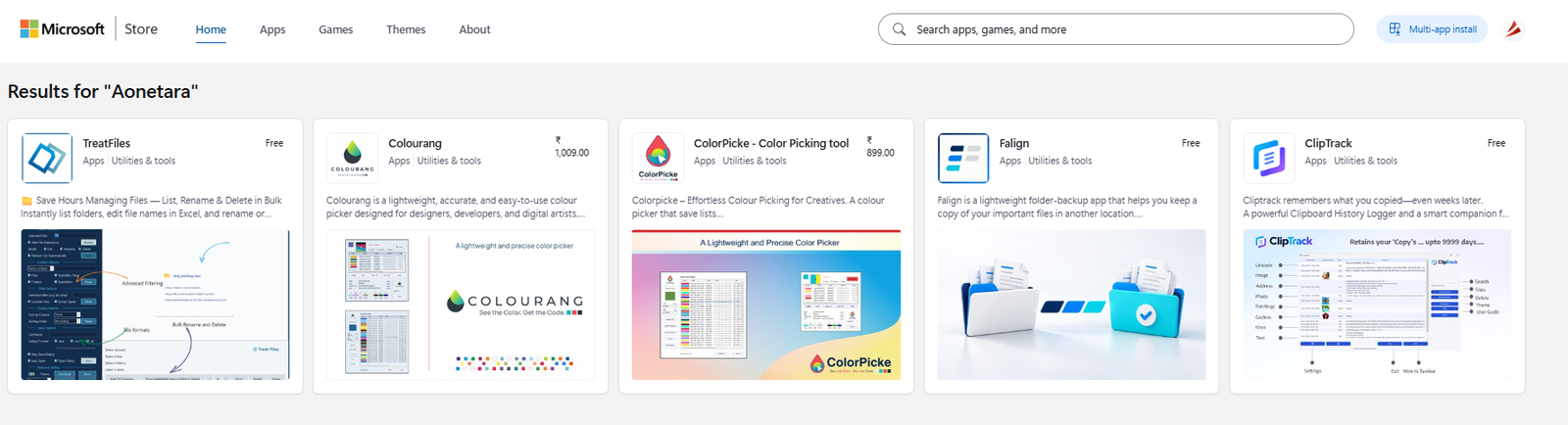 Browse Aonetara apps on Microsoft Store ↗
A selection of Aonetara apps. Open the Store for current product details and availability.